Email Marketing for Easy Digital Downloads: The Complete Guide for WordPress Sellers
You made a sale. Someone bought your ebook, your plugin, your template, whatever you’re selling through Easy Digital Downloads. They got the download link, grabbed the file, and disappeared.
No follow-up. No relationship. No second sale.
Here’s the thing. That’s not a sales problem. That’s an email marketing problem.
Email marketing for Easy Digital Downloads is the single most underused growth lever for WordPress sellers. While you’re busy creating new products, your existing customers are sitting untouched in your EDD dashboard, ready to buy again. You just need a way to reach them.
And you don’t need an expensive external tool to do it. You don’t need to leave your WordPress dashboard. You just need the right strategy, which is exactly what this guide gives you.
You’ll find everything here: how to build your list, what emails to send, how to automate them, and how to do all of it affordably, right inside WordPress.
Let’s get into it.
Why Email Marketing Is a Must for Easy Digital Downloads Sellers
Selling digital products is exciting. No inventory, no shipping, instant delivery. But there’s a hidden challenge most EDD sellers don’t talk about.
Once a customer downloads your file, they’re gone. There’s no physical product sitting on their shelf reminding them of you. No delivery notification keeping your brand top of mind. Just a file in their downloads folder and silence on your end.
That’s where email marketing changes everything.
Think about it. You already did the hard part. You convinced someone to pull out their card and buy from you. Getting them to buy again is significantly easier than finding a brand new customer. But you can’t do that without a direct line of communication.
Email gives you that line.
And the numbers back this up. Email marketing delivers an average ROI of around $36 to $42 for every $1 spent. No other marketing channel comes close to that for digital product sellers.
You’ll find that EDD sellers who use email consistently outperform those who don’t, not because they have better products, but because they stay in touch. They send a helpful tip after purchase. They announce a new product to past buyers first. They win back customers who haven’t bought in months.
It’s not complicated. It just needs to be set up properly.
What Email Marketing for Easy Digital Downloads Actually Looks Like
Before diving into the setup, it helps to understand what you’re actually working with. Because email marketing for EDD sellers isn’t just one thing. It’s two very different types of emails working together.
Transactional Emails
These are the automatic emails EDD sends after a purchase. Think purchase receipts, download links, license keys, and renewal reminders. Your customers expect these. They open them immediately. In fact, transactional emails typically see open rates above 75%.
EDD handles these out of the box. But most sellers set them up once and never touch them again. That’s a missed opportunity. Your purchase receipt is probably the most-read email you’ll ever send. Make it count.
Marketing Emails
These are the emails you actively send to grow your business. Welcome sequences, product announcements, promotional campaigns, win-back emails for inactive customers, upsell offers. These don’t happen automatically unless you set up automation.
Most EDD sellers skip this entirely. You’ll find that just adding a simple welcome sequence and one follow-up email can meaningfully increase repeat purchases.
So when people talk about email marketing for Easy Digital Downloads, they usually mean building a system that handles both. Transactional emails that impress, and marketing emails that bring customers back.
That’s exactly what we’re building here.
Ready to Set It Up? Here’s How
Setting this up is simpler than you think. Work through these three steps and you’ll have a complete EDD email marketing system running without ever leaving WordPress.
Step 1 — Build Your Email List From Your EDD Store
Here’s something most EDD sellers overlook. Your checkout page is your best list-building tool. Every person who buys from you is already a warm lead. They trust you enough to pay you. Getting their email for future marketing is the natural next step.
But you need to do it the right way.
Add an Opt-in Checkbox at Checkout
The simplest approach is adding a subscription checkbox to your EDD checkout page. Something like “Yes, keep me updated on new products and offers.” Customers tick the box, complete their purchase, and they’re automatically added to your email list.
No friction. No extra steps. Just a clean, permission-based way to grow your list with every single sale.
Use Free Downloads as Lead Magnets
You’ll find this works incredibly well for digital product sellers. Offer a free version of something you already make. A free chapter of your ebook. A lite version of your plugin. A sample template pack.
Someone downloads it for free, joins your list, and you nurture them toward the paid version. It’s one of the most effective email marketing for Easy Digital Downloads strategies out there, and it costs you nothing to set up.
Don’t Sleep on Your Existing Customer Base
If you’ve been running your EDD store for a while, you already have a list sitting in your dashboard. Those past buyers are gold. They’ve already bought from you once, which makes them far more likely to buy again than a cold audience.
The goal is simple. Turn every EDD transaction into a list-building opportunity, and then turn that list into repeat revenue.
Step 2 — Set Up the Right Email Sequences for Easy Digital Downloads Sellers
Building your list is step one. But what you send after someone joins that list is what actually drives revenue. You’ll find that most EDD sellers either send nothing at all, or blast their whole list with promotional emails and wonder why people unsubscribe.
The fix is simple. Set up the right sequences from the start.
The Welcome Email
This is the most important email you’ll ever send. Someone just bought from you for the first time. They’re excited. They’re engaged. They’re paying attention.
Send them a warm, personal welcome within minutes of their purchase. Thank them for buying. Tell them what to expect from you. Maybe share a quick tip on getting the most out of their new download. Keep it short, friendly, and genuinely helpful.
That first impression sets the tone for the entire relationship.
The Post-Purchase Sequence
A single welcome email isn’t enough. Think about what happens after someone buys a plugin or an ebook. They might get stuck. They might not fully understand how to use it. They might forget about it entirely.
A short post-purchase sequence solves all of that. Here’s a simple structure that works well:
Email 1 (Day 0): Welcome plus download confirmation. Email 2 (Day 3): A helpful tip or quick-start guide. Email 3 (Day 7): A case study or success story from another customer. Email 4 (Day 14): A soft upsell to a related product or upgrade.
You’ll find this kind of sequence dramatically increases customer satisfaction and repeat purchases. It’s not pushy. It’s genuinely useful.
The Re-engagement Email
Every EDD store has customers who bought once and went quiet. We’ve all got them. They’re not lost forever though.
A simple re-engagement email can bring a surprising number of them back. Something like “Hey, it’s been a while. Here’s what’s new” or a special discount just for returning customers works really well. Keep it casual and personal, not salesy.
The New Product Launch Email
When you release something new, your existing customers should hear about it first. They already trust you. They’re the easiest sell you’ll ever make.
Send a dedicated launch email to your past buyers with early access or a small discount. You’ll be surprised how much revenue this one simple habit generates over time.
Step 3 — Segment Your EDD Customers for Better Results
Sending the same email to every person on your list is one of the biggest email marketing mistakes you can make. Your customers are not all the same. Someone who bought a beginner-level ebook has different needs than someone who bought your premium plugin bundle.
Segmentation fixes that. And for EDD sellers, it’s simpler than you might think.
Product-Based Segmentation
This is the most natural starting point. Group your customers by what they actually bought.
Bought Plugin A? They get emails about Plugin A updates, tips, and compatible add-ons. Bought your design templates? They get emails about new template packs and design tutorials. You’ll find that product-specific emails consistently outperform generic broadcasts in both open rates and click-through rates.
It makes sense when you think about it. People open emails about things they already care about.
Behavioral Segmentation
This goes a level deeper. Instead of just looking at what someone bought, you look at how they behave.
First-time buyers get a nurturing sequence focused on onboarding and trust-building. Repeat buyers get early access to new products and loyalty rewards. Customers who haven’t purchased in 90 days get a win-back campaign.
You’ll find that behavioral segmentation is where email marketing for Easy Digital Downloads really starts to pay off. Because you’re not guessing what people want. You’re responding to what they actually do.
Start Simple
Don’t let segmentation overwhelm you. You don’t need ten different lists on day one. Start with two segments: new customers and returning customers. That alone will immediately make your emails more relevant and your results more consistent.
Build from there as your store grows.

Subscribe for email
marketing hacks, free
ebooks, and product updates
The Best Email Marketing Plugin for Easy Digital Downloads (Free Option Included)
Here’s where most guides let you down. They tell you to connect EDD with Mailchimp or ActiveCampaign, pay a monthly subscription fee, manage everything outside WordPress, and somehow keep it all in sync.
That’s expensive. That’s complicated. And honestly, it’s unnecessary.
You’ll find a much smarter approach right inside your WordPress dashboard.
Why WordPress-Native Email Marketing Wins for EDD Sellers
External email platforms weren’t built with EDD in mind. You end up cobbling together API connections, dealing with sync issues, and paying subscriber-based pricing that grows with your list. For a solo digital product seller or small team, that adds up fast.
A WordPress-native solution keeps everything in one place. Your customer data, your email campaigns, your automation workflows, all managed from the same dashboard where you run your EDD store. No jumping between platforms. No integration headaches.
How weMail Integrates with Easy Digital Downloads
weMail is an affordable WordPress email marketing plugin with a native EDD integration built right in. And it’s genuinely one of the best setups you’ll find for digital product sellers on WordPress.
Here’s what you get out of the box:
Your EDD customer data syncs automatically. When someone completes a purchase, they’re added to your email list instantly, no manual imports needed. You can set up automated welcome emails for first-time buyers without writing a single line of code. Behavior-based workflows trigger based on actual purchase activity inside EDD. And you can segment customers by product purchased directly from your WordPress dashboard.
On top of that, weMail connects with SMTP gateways like FlySend, Amazon SES, Mailgun, Postmark, and SendGrid. That means you can send thousands of emails for a fraction of what Mailchimp charges. Some sellers bring their sending costs down to just a few dollars a month.
It’s a genuinely complete setup. List building, automation, segmentation, beautiful email templates, A/B testing, all inside WordPress, all connected to your EDD store.

weMail vs Mailchimp for EDD Sellers
Let’s be direct about this. Mailchimp is a solid tool. But it wasn’t built for WordPress sellers running EDD stores.
With Mailchimp, you pay per subscriber. Your list grows, your bill grows. There’s no deep EDD integration. You manage everything outside WordPress. And free plans come with significant limitations that push you toward paid tiers quickly.
weMail flips that. Unlimited subscribers, WordPress-native workflow, direct EDD sync, and SMTP flexibility that keeps your sending costs near zero. For budget-conscious EDD sellers, that difference is significant.
If email marketing for Easy Digital Downloads free is what you’re after, weMail gives you a genuinely capable free starting point that you can scale without the growing subscription costs.
Easy Digital Downloads Emails Not Sending? Here’s the Fix
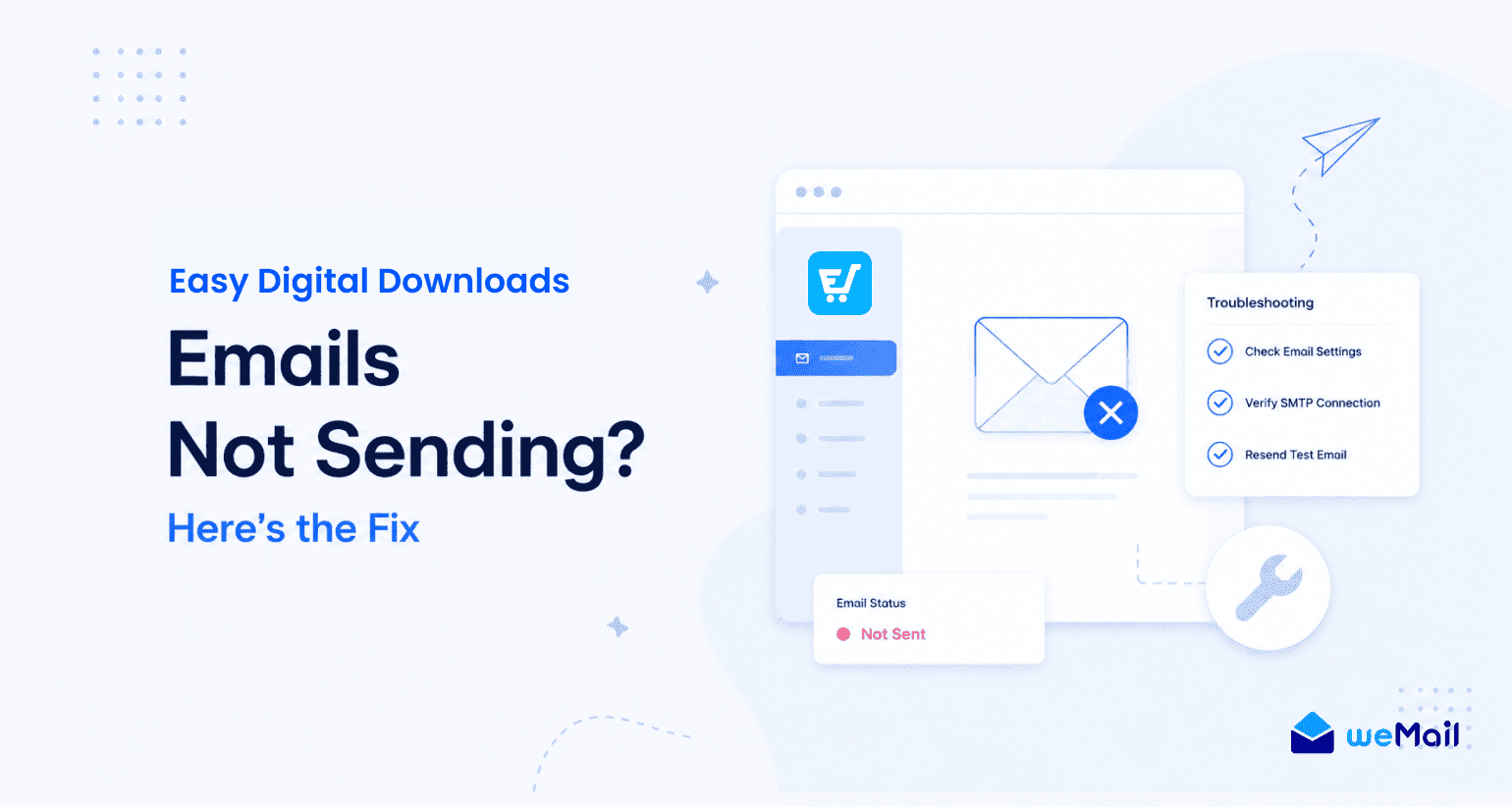
You’ve set everything up. Your EDD store is live. A customer just bought something. But the purchase receipt never arrives in their inbox.
This is one of the most common problems EDD sellers run into, and it has nothing to do with EDD itself.
Here’s what’s actually happening.
WordPress sends emails using a built-in function called wp_mail. By default, this relies on your web hosting server to deliver emails. And most shared hosting servers are simply not configured for reliable email delivery. Your emails either land in spam or don’t arrive at all.
It’s frustrating. But it’s completely fixable.
The Solution: Connect an SMTP Gateway
SMTP stands for Simple Mail Transfer Protocol. Think of it as a dedicated postal service for your emails, instead of shouting from your window and hoping someone hears you.
When you connect a proper SMTP gateway, your emails go through a trusted sending infrastructure. Delivery rates improve dramatically. Purchase receipts land in inboxes. Automated sequences actually trigger.
Popular SMTP options include Amazon SES, Mailgun, Postmark, and SendGrid. All of them are reliable and affordable, with some offering generous free tiers for lower-volume senders.
How weMail Solves This Natively
Here’s where weMail genuinely shines for EDD sellers. Instead of installing a separate SMTP plugin and configuring it manually, weMail lets you connect your preferred SMTP gateway directly from your WordPress dashboard.
Amazon SES, Mailgun, Postmark, SendGrid, all supported out of the box. You pick your gateway, enter your credentials, and you’re done. Your EDD transactional emails and your marketing campaigns all go through the same reliable sending infrastructure.
No more purchase receipts going missing. No more customers emailing you asking where their download link is.
If your Easy Digital Downloads emails are not sending right now, setting up a proper SMTP connection is the first thing you should do today.
Email Marketing Best Practices for Easy Digital Downloads Sellers
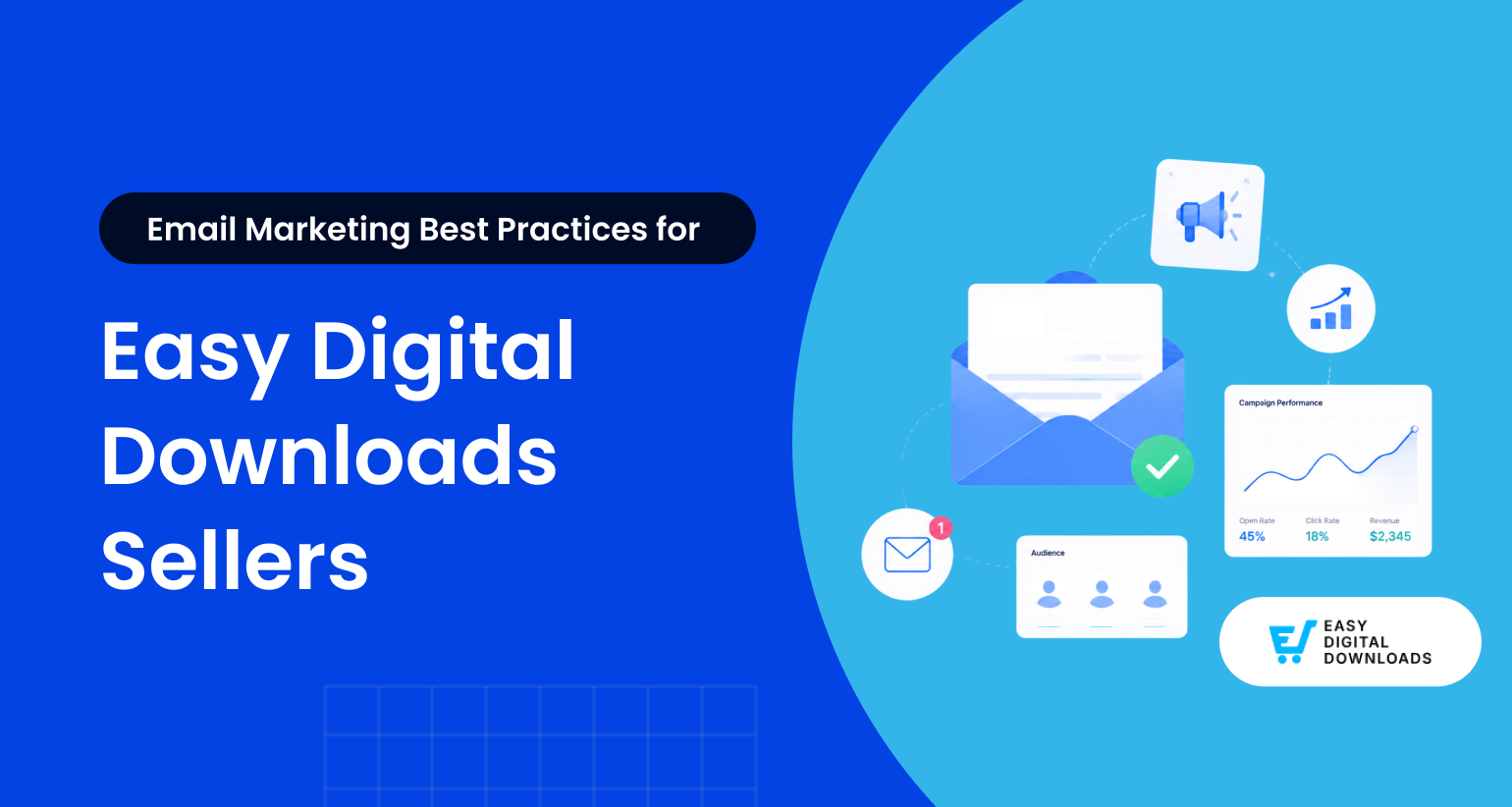
Setting up your email system is one thing. Getting real results from it is another. You’ll find these practices make a noticeable difference once your EDD email marketing is up and running.
Keep Subject Lines Specific to the Purchase
Generic subject lines get ignored. “Check out our latest update” tells your customer nothing. But “Your Plugin X just got a major upgrade” speaks directly to what they already own and care about.
The more specific your subject line, the higher your open rate. It’s that simple.
Timing Matters More Than You Think
The best time to email a customer is right after they buy. Their excitement is at its peak. Their attention is fully on you. A well-crafted welcome email sent within minutes of purchase will almost always outperform a promotional email sent weeks later.
Strike while the iron is hot.
Don’t Just Sell. Actually Help.
This is probably the most important practice on this list. Your customers will tune out if every email is a sales pitch. Mix in genuinely useful content. A tutorial on using your product. A tip they probably didn’t know. A resource that makes their life easier.
You’ll find that customers who feel genuinely helped buy more, not less. Helpfulness builds trust, and trust drives purchases.
Track What Actually Matters
Open rates tell you if your subject lines work. Click-through rates tell you if your content is engaging. Revenue per email tells you if your campaigns are actually making money.
Don’t obsess over vanity metrics. Focus on the numbers that connect directly to sales. Most email tools, including weMail, give you all of this inside your WordPress dashboard without needing a separate analytics platform.
Stay Consistent Without Being Annoying
There’s no magic sending frequency. But disappearing for months and then suddenly sending five emails in a week is a fast way to lose subscribers.
Pick a rhythm you can maintain. Once a week, twice a month, whatever works for your schedule. Consistency builds familiarity, and familiarity builds sales.
What is the best email marketing plugin for Easy Digital Downloads?
weMail is one of the best options for EDD sellers. It syncs customer data automatically, supports behavior-based automation, and manages everything from your WordPress dashboard without growing monthly fees.
Is there a free email marketing option for EDD stores?
Yes. weMail offers a free plan with genuine email marketing capability. Pair it with a free-tier SMTP gateway like Amazon SES and you have a fully functional EDD email setup at little to no monthly cost.
How do I automatically add EDD customers to my email list?
With weMail’s native EDD integration, every completed purchase automatically adds the customer to your email list. No manual imports needed.
Can I segment EDD customers by product purchased?
Yes. weMail supports product-based segmentation, so Plugin A buyers get Plugin A emails and template buyers get template emails. Simple and effective.
Why are my Easy Digital Downloads emails not sending?
Most likely your hosting server isn’t configured for reliable email delivery. Connect a dedicated SMTP gateway like Amazon SES or Mailgun through weMail and the problem is solved.
Do I need technical skills to set up EDD email marketing?
No. If you can install a WordPress plugin, you can set up weMail and have your EDD email marketing running in under an hour.
Your Next Sale Is Already in Your Dashboard
Email marketing for Easy Digital Downloads doesn’t have to be complicated or expensive. You’ve now got the complete picture.
Build your list from every EDD transaction. Send the right sequences at the right time. Segment your customers by what they actually bought. Automate the whole thing from inside your WordPress dashboard.
And you don’t need to pay Mailchimp prices to do it. weMail gives you a genuinely powerful, WordPress-native email marketing setup that connects directly with your EDD store, grows with your business, and keeps your costs near zero.
You’ll find that most EDD sellers who start taking email seriously see results faster than they expect. Not because email is some magic trick, but because it’s the most direct line you have to people who already trust you enough to buy from you.
That’s the real opportunity here. Don’t leave it sitting unused in your dashboard.
Start with weMail for free today and turn your EDD store into a revenue-generating email machine.
Subscribe for email marketing
hacks, free ebooks, and
product updates