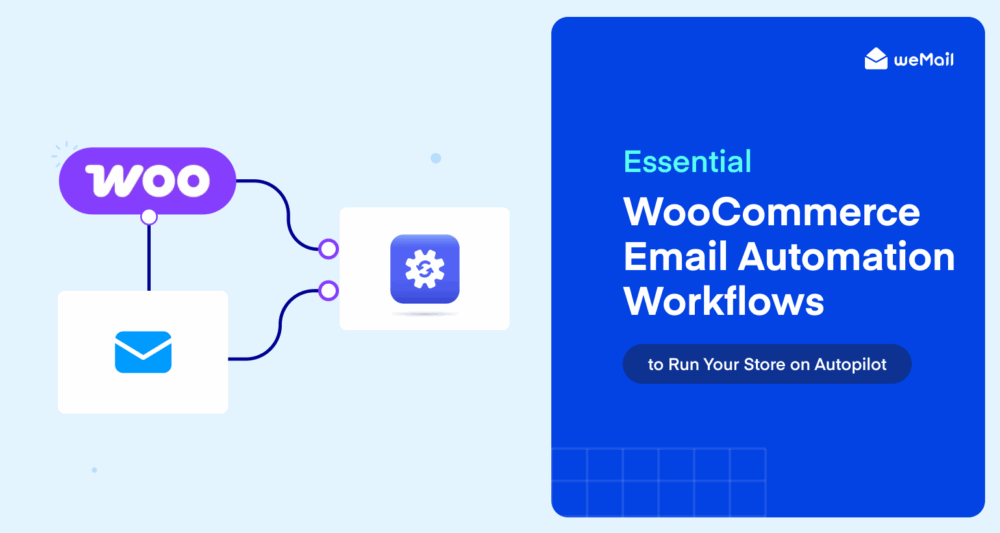
Essential WooCommerce Email Automation Workflows to Run Your Store on Autopilot
Running a WooCommerce store without email automation is like leaving your shop door open and hoping customers walk back in on their own. It rarely works that way.
Here’s the thing about WooCommerce email automation: it’s not just a “nice to have” anymore. It’s the difference between a store that grows while you sleep and one that demands your attention every single hour. Set up the right workflows once, and they keep working for you indefinitely.
But you’ll find most store owners either skip automation entirely or set up one basic abandoned cart email and call it done. There’s so much more on the table.
This guide walks you through the 7 essential WooCommerce email automation workflows every store owner should have running. Whether you’re just getting started or looking to fill the gaps in your current setup, you’ll find exactly what you need here.
And if you want the full picture of WooCommerce email marketing beyond just automation, check out our Complete Guide to WooCommerce Email Marketing.
Quick Answer: Essential WooCommerce Email Automation Workflows
WooCommerce email automation is the process of sending targeted, trigger-based emails to customers automatically based on their actions in your store. No manual sending required.
Here are the 7 essential workflows every WooCommerce store should have running:
- Welcome Email Series — Greets new subscribers or first-time buyers automatically
- Abandoned Cart Recovery — Reminds shoppers who left without buying
- Post-Purchase Thank You — Confirms the order and builds loyalty immediately
- Review Request Email — Asks for feedback at exactly the right moment
- Cross-Sell / Upsell Email — Recommends relevant products after a purchase
- Win-Back Campaign — Re-engages customers who’ve gone quiet
- Browse Abandonment Email — Catches buyers before they even add to cart
Each workflow is covered in full detail below.
What Is WooCommerce Email Automation?
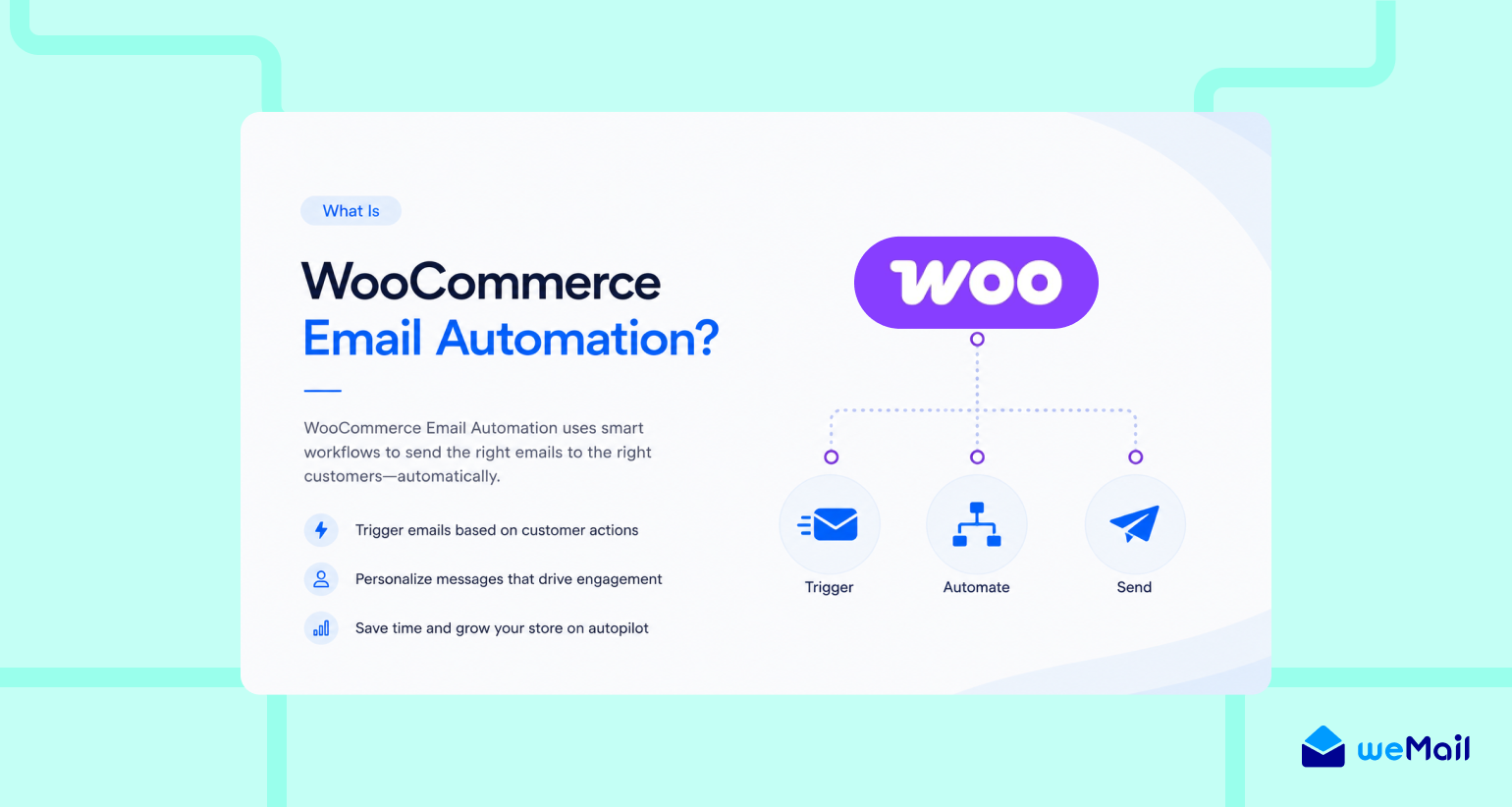
WooCommerce email automation is the process of sending targeted emails to your customers automatically, triggered by specific actions they take in your store. A customer signs up? They get a welcome email. They abandon a cart? A reminder goes out. They haven’t bought in 90 days? A win-back email fires. All without you lifting a finger.
Think of it as a trigger-action system. Something happens in your store, that action triggers a pre-written email, and the customer receives it at exactly the right moment. You set it up once and the workflow runs on its own.
What WooCommerce sends by default
Out of the box, WooCommerce does send some automated emails. You’ll find these cover the basics: new order confirmation, order processing, order completed, refund notification, and password reset. Useful? Yes. Powerful enough to grow your store? Not even close.
These default emails are purely transactional. They confirm what already happened. They don’t nurture, they don’t recover lost revenue, and they don’t bring customers back.
What most store owners miss
The real power of WooCommerce marketing automation kicks in when you go beyond transactional emails.
Think about it. Welcome sequences. Cart recovery flows. Post-purchase nurturing. Win-back campaigns. These are the workflows that actually move the needle on revenue.
According to industry data, personalized automated emails deliver up to 6x higher transaction rates compared to generic broadcast emails. [fact-check and cite source: Experian Email Marketing Study] That gap is too big to ignore.
Most store owners leave this revenue sitting on the table simply because they never set these workflows up. You’ll find that once they’re running, they become the most valuable part of your entire email marketing setup.
Why WooCommerce Email Automation Is a Game-Changer for Store Owners
Let’s be honest. Managing a WooCommerce store is already a full-time job.
You’re handling products, orders, customer queries, shipping, and a dozen other things. Manually following up with every customer? That’s just not realistic.
That’s exactly where WooCommerce email automation changes everything.
It saves you serious time
Set up a workflow once. It runs forever.
No scheduling. No manual sending. No reminders to follow up. Your emails go out at the perfect moment every single time, even when you’re asleep, on holiday, or focused on something else entirely.
It recovers revenue you didn’t know you were losing
Here’s a number worth sitting with.
Nearly 70% of online shoppers abandon their carts before completing a purchase. [fact-check and cite source: Baymard Institute Cart Abandonment Rate] That’s the majority of your potential sales walking out the door.
Automated cart recovery emails bring a significant portion of those shoppers back. Without automation, that revenue is simply gone.
It builds customer relationships on autopilot
Customers don’t just want a receipt. They want to feel valued.
A well-timed thank you email, a helpful product tip, a “we miss you” message after 60 days of silence. These small touchpoints build loyalty that keeps customers coming back without you having to think about it.
It works even better inside WordPress
Most automation tools make you jump between platforms. Log into one dashboard to manage your store. Log into another to manage your emails. It gets messy fast.
You’ll find it’s a completely different experience when your email automation lives right inside your WordPress dashboard alongside your store. No switching tabs. No syncing issues. No extra complexity.
That WordPress-native advantage is exactly what makes tools like weMail worth considering for WooCommerce store owners who want to keep things simple and affordable.
The 7 Essential WooCommerce Email Automation Workflows
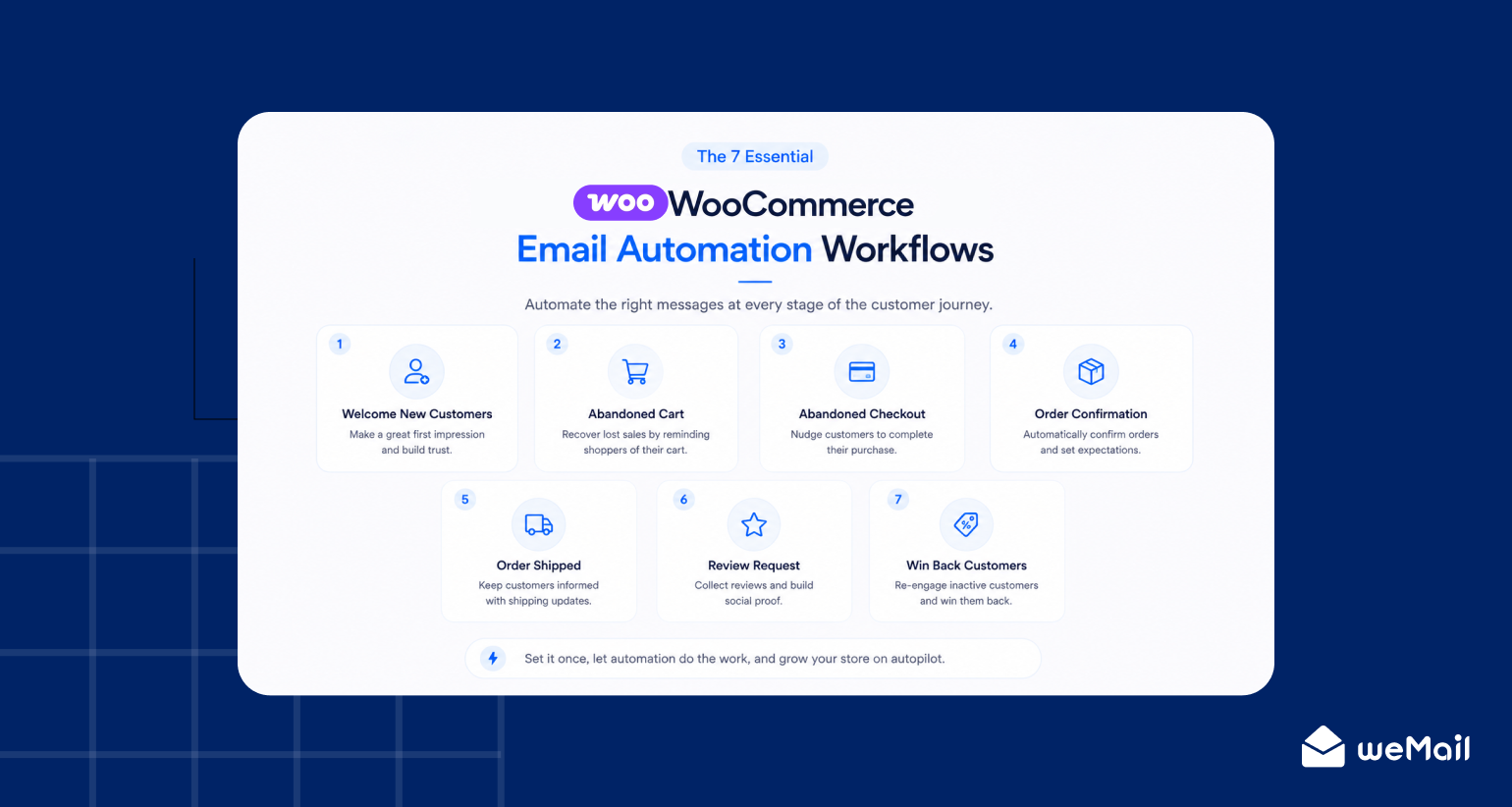
Not all automations deserve equal priority. You’ll find some workflows deliver results from day one while others take time to show their impact.
Here they are, ranked by impact. Start from the top.
Workflow 1: The Welcome Email Series
Trigger: New subscriber or first-time customer signup
First impressions matter more than most store owners realize.
Welcome emails have an average open rate of around 50%. That’s higher than any other email type you’ll ever send. [fact-check and cite source: Omnisend Email Marketing Statistics] Yet plenty of stores still don’t have a proper welcome sequence in place.
Here’s what a solid 3-email welcome series looks like:
Email 1: The Warm Welcome
- Send it: Immediately on signup (within 1 hour)
- What to include: A genuine thank you, what your store is about, what they can expect
- Keep it short, warm and human
Email 2: Your Best Stuff
- Send it: 2 days after Email 1
- What to include: Your bestsellers, top categories, or a curated “start here” collection
- Give them a reason to come back and browse
Email 3: The Soft Incentive
- Send it: 4 days after Email 2
- What to include: A small discount, free shipping offer, or exclusive deal for new subscribers
- This nudges fence-sitters into making that first purchase
Pro tip: Don’t just say “Thanks for subscribing.” Tell them exactly what they’ll get from being on your list. Specificity builds trust faster than anything else.
Workflow 2: Abandoned Cart Recovery
Trigger: Customer adds items to cart but leaves without purchasing
This is probably the highest-ROI workflow you’ll ever set up.
Abandoned cart emails recover up to 63% of otherwise lost sales, according to AutomateWoo data. Think about what that means for your store every single month.
The key is sending a sequence, not just one email.
Email 1: The Gentle Reminder
- Send it: 1 hour after abandonment
- Tone: Friendly, no pressure
- Include: The exact product they left behind, with an image
Email 2: The Nudge
- Send it: 24 hours later
- Tone: Slightly more urgent
- Include: A reminder of what they’re missing, maybe a customer review of the product
Email 3: The Closer
- Send it: 48 hours after Email 2
- Tone: Last chance feel
- Include: A small incentive like a discount or free shipping to push them over the line
Pro tip: Always include the product image in every email of this sequence. Seeing the item they wanted creates an emotional pull that plain text simply can’t match.
Workflow 3: Post-Purchase Thank You and Onboarding
Trigger: Order status changes to “Completed”
Most stores send a generic order confirmation and stop there. That’s a missed opportunity.
The moment after a purchase is when your customer’s excitement is at its peak. Use it wisely.
What to send:
- A genuine thank you (not just “your order is confirmed”)
- What happens next: shipping timeline, tracking info, what to expect
- A helpful tip on how to get the most out of their purchase
- A soft invitation to follow you on social or join your community
Why it works:
Customers who feel informed and appreciated after buying are far less likely to request refunds. You’ll also find they’re much more likely to leave a positive review and come back for a second purchase.
Pro tip: Keep the tone warm and personal. Write it like you’re texting a friend who just bought something from your store, not like a corporate receipt.

Subscribe for email
marketing hacks, free
ebooks, and product updates
Workflow 4: Review Request Email
Trigger: A set number of days after order completion
Social proof is one of the most powerful sales tools available to any WooCommerce store. But most stores never actually ask for it.
Timing is everything here.
Send too early and the customer hasn’t used the product yet. Send too late and the excitement has faded. The sweet spot for most physical products is 5 to 7 days after delivery.
What to include:
- A friendly, low-pressure ask
- A direct link to your review page (make it one click)
- A thank you in advance, regardless of what they say
Pro tip: Keep this email short. One paragraph, one link, one ask. The simpler it is, the higher your response rate will be.
Workflow 5: Cross-Sell and Upsell Email
Trigger: Customer purchases a specific product or category
Getting a customer to buy once is great. Getting them to buy again without spending a single dollar on ads? That’s the real win.
Cross-sell and upsell emails recommend relevant products based on what a customer already bought, at a moment when they’re already in a buying mindset.
What to send:
- A “you might also love” style recommendation
- Products that genuinely complement what they just purchased
- A clear, simple call to action back to your store
Timing that works:
- Send it 3 to 5 days after the original purchase
- Give them time to receive and enjoy what they bought first
- Too soon feels pushy. Too late feels random.
Why it works:
Acquiring a new customer costs 5 to 7 times more than selling to an existing one. [fact-check and cite source: Invesp Customer Acquisition vs Retention] Cross-sell emails tap into your most valuable asset. The customers you already have.
Pro tip: Use your WooCommerce purchase data to segment this properly. Sending a generic “check out our store” email is lazy and it shows. Match the recommendation to the actual product they bought and you’ll find your click rates jump significantly.
Workflow 6: Win-Back Campaign
Trigger: No purchase activity in 60 to 90 days
Every store has them. Customers who bought once, loved it, and then just disappeared.
Life gets busy. People forget. That doesn’t mean they’re gone forever.
A well-timed win-back campaign can re-engage a surprising number of lapsed customers. And since they’ve already bought from you, the trust barrier is already down.
A simple 2-email win-back sequence:
Email 1: The “We Miss You” Email
- Send it: Day 60 of inactivity
- Tone: Warm, genuine, no pressure
- What to include: A friendly check-in, a reminder of what they loved, your latest products or offers
Email 2: The Incentive Email
- Send it: 14 days after Email 1 (if no purchase)
- Tone: Last chance but still friendly
- What to include: A meaningful discount or exclusive offer to bring them back
Pro tip: Give customers an easy way out in Email 2. Let them update their preferences or unsubscribe cleanly. A smaller, engaged list always outperforms a large, unresponsive one. Clean lists mean better deliverability for every email you send.

Workflow 7: Browse Abandonment Email
Trigger: Customer views a product page but doesn’t add anything to cart
Here’s the workflow most competitors never even mention.
Browse abandonment emails catch buyers at the earliest stage of the funnel. Before they’ve committed to a cart. Before they’ve compared prices elsewhere. Right when they were curious enough to click.
That’s a powerful moment to show up in their inbox.
What to send:
- A casual, low-pressure reminder of what they viewed
- An image of the product they browsed
- Social proof: a review or rating for that specific product
- A simple nudge back to the product page
Why it works:
Not every shopper who bounces from a product page is disinterested. Many are still in research mode. A timely browse abandonment email keeps your store top of mind while they’re still deciding.
Pro tip: This is the most underused workflow in WooCommerce email automation. Setting it up puts you ahead of the vast majority of stores competing for the same customers.
Quick-Reference: All 7 Workflows at a Glance
Use this as your setup checklist. Work through it from top to bottom.
How to Set Up These Workflows Inside WordPress
Here’s a problem most WooCommerce store owners run into.
They find an automation tool they like, set it up, and then realize it lives completely outside WordPress. Now they’re managing their store in one place and their email workflows in another. Two dashboards. Two logins. Data that doesn’t always sync properly.
It gets frustrating fast.
The smarter approach
You’ll find the whole process is significantly smoother when your WooCommerce email automation lives right inside your WordPress dashboard. Same place you manage your products, orders, and customers. No switching tabs. No integration headaches.
That’s exactly the workflow weMail is built for.
What weMail handles natively inside WordPress:
- Automation triggers connected directly to WooCommerce customer actions
- Welcome sequences that fire the moment someone joins your list
- Abandoned cart workflows pulling live cart data from your store
- Post-purchase sequences triggered by WooCommerce order status changes
- Win-back campaigns based on purchase history and customer activity
- Segmentation using real WooCommerce data like purchase history, order value, and product categories
All of it. Inside WordPress. Without paying the premium prices that tools like Klaviyo or Omnisend charge as your list grows.
Why this matters for budget-conscious store owners
Most powerful automation platforms charge based on your subscriber count. The bigger your list gets, the more you pay. For small stores and growing businesses, that model gets expensive quickly.
weMail keeps costs predictable and affordable. You get the same powerful WooCommerce email automation workflows without the bloated pricing. And since it’s built for WordPress, the setup is straightforward even if you’re not particularly technical.
Want to see how the full WooCommerce email marketing picture fits together? The Complete Guide to WooCommerce Email Marketing covers everything from strategy to execution in one place.
Frequently Asked Questions
What is WooCommerce email automation?
WooCommerce email automation is the process of sending targeted, trigger-based emails to customers automatically based on actions they take in your store. A customer abandons a cart, signs up, or goes inactive and the right email fires automatically without any manual work on your end.
Does WooCommerce send automated emails by default?
Yes, but only basic transactional ones like order confirmations and password resets. Marketing workflows like cart recovery, welcome sequences, and win-back campaigns require a dedicated WooCommerce automation plugin.
How do I set up email automation in WooCommerce?
Install a WooCommerce automation plugin, connect it to your store, then build workflows by choosing a trigger, writing your email, and setting your send timing. Tools like weMail let you do all of this directly inside your WordPress dashboard.
What is the best WooCommerce email automation plugin for WordPress?
For store owners who want an affordable, native WordPress solution, weMail is a strong choice. It supports all essential automation workflows and keeps pricing predictable as your list grows.
How many automated emails should a WooCommerce store send?
Start with the welcome series and abandoned cart recovery since those deliver the fastest results. Add the remaining workflows gradually as your store grows.
Can I run WooCommerce email automation for free?
Some plugins offer free plans with basic features, but most come with subscriber or workflow limits. For a growing store, an affordable paid plan like weMail gives you the flexibility you actually need.
Your Next Sale Could Happen While You Sleep
The 7 workflows in this guide cover every stage of your customer’s journey. Set them up once and let them run.
You’ll find that welcome emails, cart recovery, and win-back campaigns do more for your revenue than most store owners expect. And all of it can run on autopilot inside WordPress without the high costs.
Start with the welcome series and abandoned cart recovery. Add the rest as you go. weMail makes it straightforward.
Subscribe for email marketing
hacks, free ebooks, and
product updates