The 15-Minute WooCommerce Email Marketing Routine for Store Owners
Running a WooCommerce store means wearing about seventeen different hats. You’re the product manager, customer service rep, inventory specialist, and somehow, you’re supposed to be the email marketing expert too.
It doesn’t.
What if you could manage your entire WooCommerce email marketing operation in just 15 minutes a day? Not some watered-down version either. A real, revenue-generating system that keeps customers engaged and coming back.
Sounds too good to be true? Stick with me.
This isn’t about cutting corners or doing the bare minimum. It’s about working smarter. When you focus on the right activities and leverage automation properly, 15 minutes becomes plenty of time to keep your email marketing humming along.
Plus, you can do the entire routine without ever leaving your WordPress dashboard. No jumping between five different platforms. No logging into separate accounts. Just efficient, focused work that actually moves the needle for your store.
Ready to reclaim your time while growing your revenue? Let’s break down exactly how this works.
What You’ll Learn in This Guide
Here’s what we’ll cover:
By the end, you’ll have a clear system for managing WooCommerce email marketing efficiently without sacrificing results.
Let’s dive in.
Why 15 Minutes of Daily WooCommerce Email Marketing Actually Works
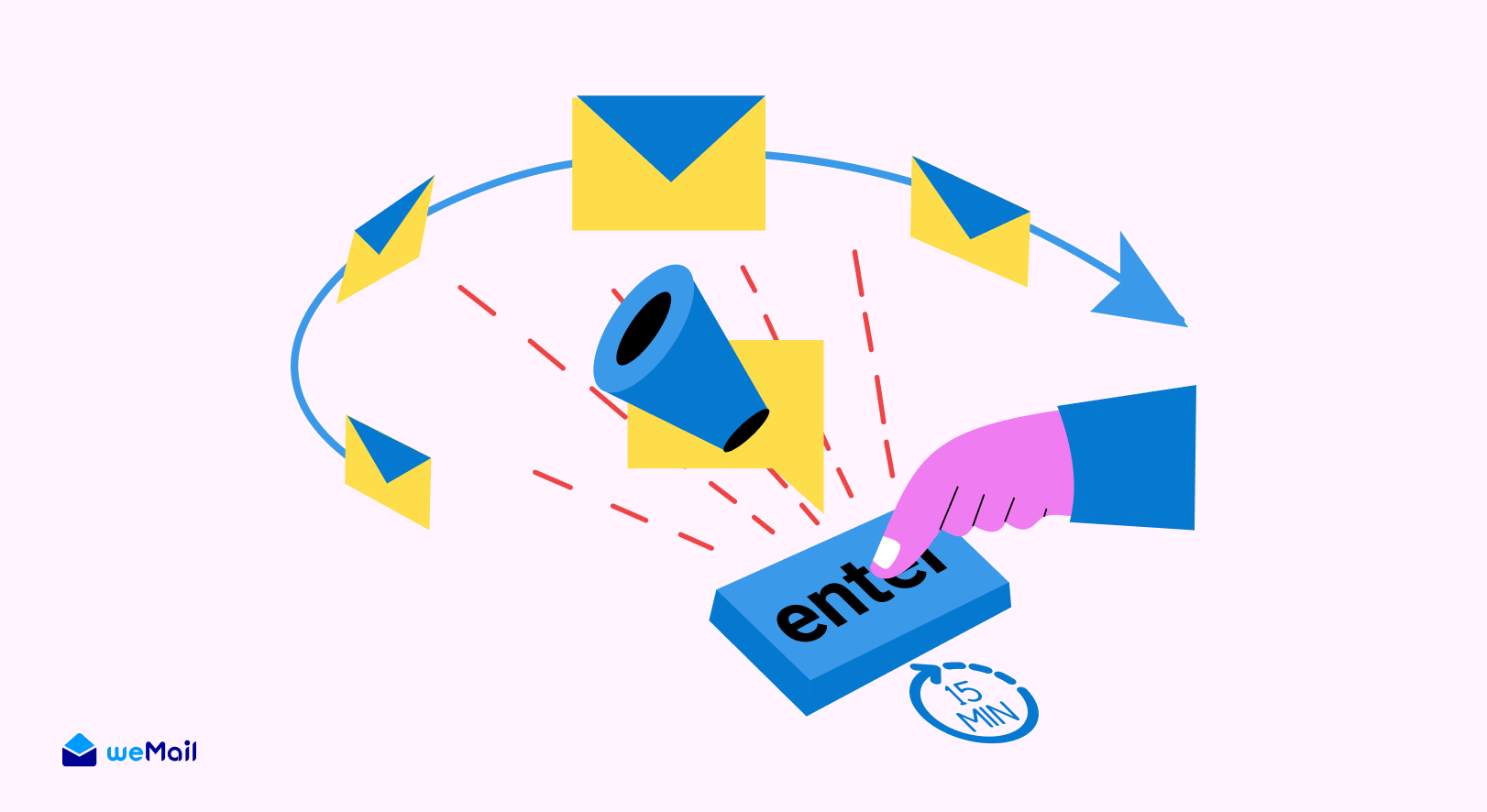
Most store owners approach email marketing in bursts. They’ll spend three hours one Saturday setting up a campaign, then ignore their emails for two weeks straight.
That’s backwards.
Consistency Beats Marathon Sessions
Daily consistency beats sporadic marathons every single time. Here’s why.
When you check in for 15 minutes each day, you catch small issues before they become big problems. An automation that’s not firing correctly? You’ll spot it on day one, not day fourteen. A subject line that’s tanking your open rates? You can fix it immediately instead of letting it bleed revenue for weeks.
The Habit Advantage
There’s also something powerful about building habits. Once this becomes part of your morning routine (grab coffee, check yesterday’s email performance, move on with your day), it stops feeling like work. It becomes automatic.
The Math Actually Works
The math works in your favor too. Fifteen minutes daily gives you 105 minutes per week. That’s nearly two hours of focused email work, spread intelligently across seven days.
Compare that to trying to cram everything into one overwhelming session where you’re making decisions while exhausted.
Your Customers Notice the Difference
Your customers benefit from this approach as well. Regular attention means:
- Timely responses to subscriber questions
- Fresh content that stays relevant
- Campaigns that reflect what’s happening in your store right now
Bottom line? Small, consistent actions compound into serious results.
What You’ll Accomplish in Your 15-Minute WooCommerce Email Marketing Routine
Before we dive into the actual routine, let’s set realistic expectations about what 15 minutes can actually accomplish.
You’re not going to design elaborate email campaigns from scratch every single day. That’s not the goal here.
Your Four Daily Time Blocks
Think of your 15 minutes as four focused mini-tasks:
What This Routine Actually Does
This daily check-in keeps your email marketing workflow running smoothly. You’ll catch problems early, optimize what’s working, and ensure your automations are doing their job.
The secret? Most of your email marketing runs on autopilot.
You’re not manually sending emails all day. You’re monitoring systems, making small improvements, and occasionally scheduling broadcasts when it makes sense.
The Tools You Need
To pull this off, you need an email marketing solution that lives inside your WordPress dashboard. Jumping between platforms eats up your 15 minutes before you even start the real work.
That’s where having everything in one place becomes crucial. Check your metrics, adjust your campaigns, and manage your list without opening five different tabs.
Ready to see exactly how this breaks down?
Your Complete 15-Minute Daily Routine (Breakdown by Task)

Alright, let’s get into the actual minute-by-minute breakdown. This is your WooCommerce email marketing routine that takes just 15 minutes but keeps everything running smoothly.
Minutes 1-5: Check Yesterday’s Performance & Respond
Start your day by scanning what happened while you were away. This isn’t about obsessing over every metric. It’s about spotting patterns and opportunities.
What to look for:
- Open rates on recent emails – Did yesterday’s broadcast perform well or tank?
- Click-through rates – Are people engaging with your content?
- Any automation triggers that fired – Check if abandoned cart emails went out as expected
- Direct replies from subscribers – Someone asking a question? Respond now while it’s fresh
Most email marketing tools show this data on one dashboard. A quick 5-minute scan tells you everything you need to know.
What metrics actually matter for busy store owners?
Focus on revenue per email and conversion rates. Those numbers tell the real story. Open rates are interesting, but they don’t pay your bills.
If something looks off (like a normally strong email getting terrible opens), make a mental note. You’ll address it in minutes 6-10.
Alright, let’s get into the actual minute-by-minute breakdown. This is your WooCommerce email marketing routine that takes just 15 minutes but keeps everything running smoothly.
Minutes 1-5: Check Yesterday’s Performance & Respond
Start your day by scanning what happened while you were away. This isn’t about obsessing over every metric. It’s about spotting patterns and opportunities.
What to look for:
- Open rates on recent emails – Did yesterday’s broadcast perform well or tank?
- Click-through rates – Are people engaging with your content?
- Any automation triggers that fired – Check if abandoned cart emails went out as expected
- Direct replies from subscribers – Someone asking a question? Respond now while it’s fresh
Most email marketing tools show this data on one dashboard. A quick 5-minute scan tells you everything you need to know.
What metrics actually matter for busy store owners?
Focus on revenue per email and conversion rates. Those numbers tell the real story. Open rates are interesting, but they don’t pay your bills.
If something looks off (like a normally strong email getting terrible opens), make a mental note. You’ll address it in minutes 6-10.

Subscribe for email
marketing hacks, free
ebooks, and product updates
Minutes 6-10: Manage Your Active Campaigns
Now you’re checking on the automations doing the heavy lifting in your store.
Quick review checklist:
- Abandoned cart sequence – Is it firing when customers leave items behind?
- Welcome series – Are new subscribers getting your intro emails?
- Post-purchase follow-ups – Are buyers receiving thank you emails and review requests?
You’re not rewriting these emails daily. You’re just making sure they’re working properly.
When to pause or tweak campaigns:
Sometimes you’ll notice an automation isn’t performing like it used to. Maybe your abandoned cart email’s conversion rate dropped from 15% to 8% last week.
That’s your signal to test a new subject line or adjust the discount offer. Make one small change, then monitor it over the next few days.
The A/B testing sweet spot:
Don’t overthink this. Test one element at a time. Subject line this week, CTA button next week. Small improvements add up fast when you’re consistent.
Minutes 11-13: Segment Check & List Hygiene
This might sound boring, but list maintenance prevents major headaches down the road.
Quick tasks that matter:
- Scan new subscribers from yesterday (takes 30 seconds)
- Tag high-value customers who made repeat purchases
- Remove any bounced email addresses
- Check for spam complaints (hopefully zero, but you need to know)
Why this prevents deliverability issues:
Email providers watch how people interact with your messages. High bounce rates and spam complaints hurt your sender reputation. That means future emails land in spam folders instead of inboxes.
Two minutes of daily cleanup keeps your list healthy and your deliverability strong.
Smart segmentation in action:
When you tag customers based on their behavior (first-time buyer, repeat customer, high spender), you can send more relevant emails later. This doesn’t take long when you do it daily instead of trying to segment 500 people at once.
Minutes 14-15: Plan Tomorrow & Set One Quick Win
Finish your routine by looking ahead. What needs to happen tomorrow or this week?
Options for your final two minutes:
- Schedule a broadcast email if you have a promotion coming up
- Set up one simple automation you’ve been meaning to create
- Review your content calendar and prep any upcoming sends
- Or simply confirm everything’s running smoothly and move on
The “one quick win” philosophy:
Some days, your quick win is scheduling a promotional email. Other days, it’s just confirming your automations are humming along perfectly.
Both count as wins. The goal isn’t to reinvent your strategy every 24 hours. It’s to maintain momentum and catch opportunities when they appear.
And that’s it. Fifteen minutes, done.
The Email Campaigns That Run While You Sleep (Set Once, Profit Daily)
Here’s where the magic really happens. The 15-minute routine works because most of your WooCommerce email marketing runs on autopilot.
You set these campaigns up once, then they work for you 24/7. Your daily routine just keeps them optimized.
Welcome Series for New Subscribers

Every new subscriber should get a warm welcome. This isn’t just being polite – welcome emails get opened way more than regular promotional messages.
A simple 3-email sequence that works:
- Email 1 (Immediate): Welcome them, introduce your store, offer a first-purchase discount
- Email 2 (Day 3): Share your bestsellers and customer favorites
- Email 3 (Day 7): Provide helpful content (buying guides, tips for using your products)
Setting it up in WordPress:
With the right email marketing tool, you create this sequence once. Every new subscriber automatically enters the workflow. You’re not manually sending welcome emails – the system handles it.
Takes maybe an hour to set up initially. Then it runs forever.
Abandoned Cart Recovery Emails
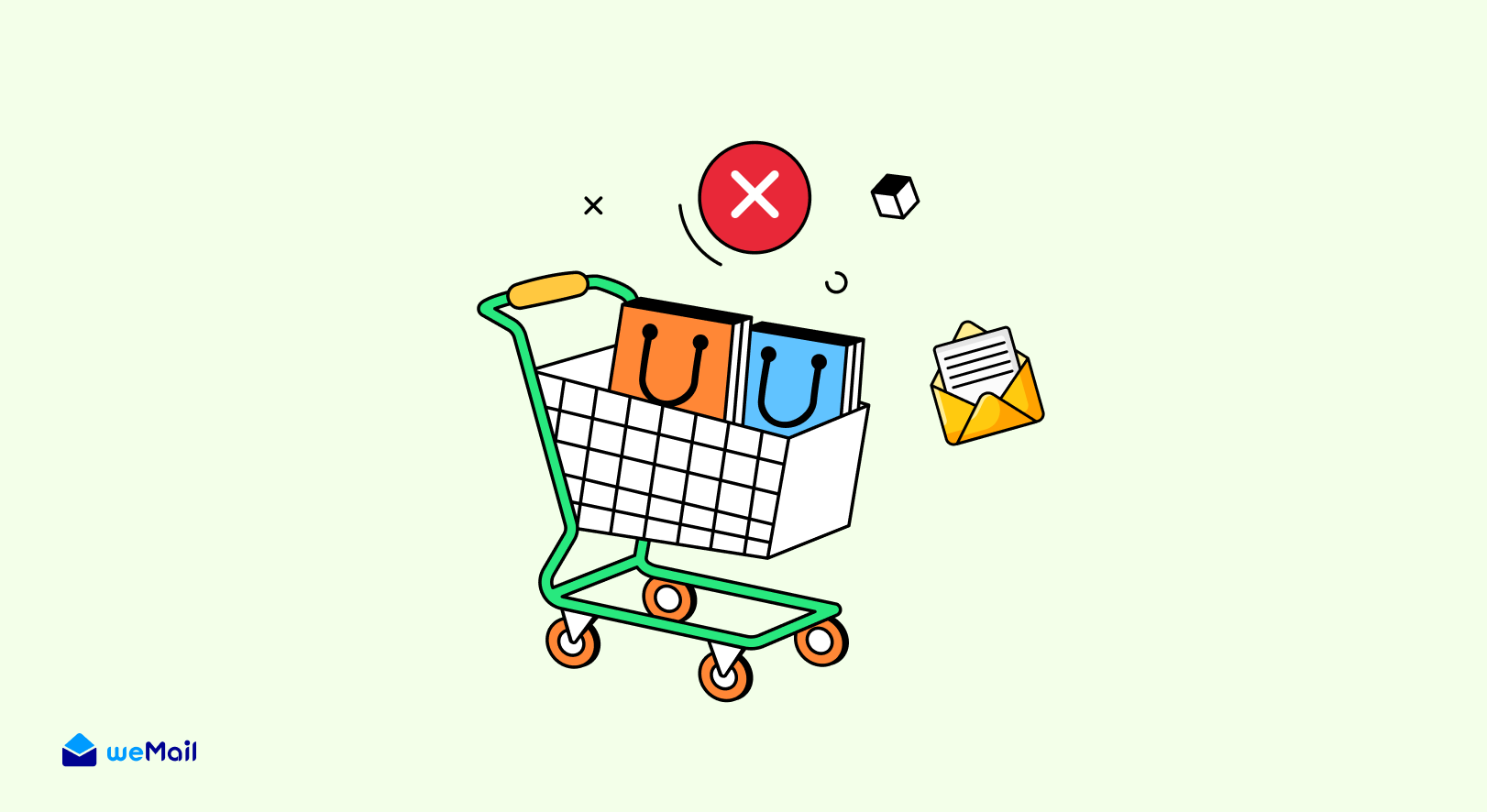
This is probably the highest ROI automation you’ll ever create for your WooCommerce store.
Someone adds products to their cart but doesn’t check out. Your automation catches this and sends reminder emails.
Timing that actually converts:
- Email 1 (1 hour later): Simple reminder with cart contents
- Email 2 (24 hours later): Add urgency or helpful info (shipping details, return policy)
- Email 3 (3 days later): Last chance with a small discount if needed
How the automation handles this automatically:
When a customer abandons their cart, the trigger fires. They get the sequence without you lifting a finger. Many store owners recover 10-15% of abandoned carts this way.
That’s revenue you were losing before. Now it’s automated.
Post-Purchase Follow-Up Sequence
The sale doesn’t end when someone clicks “Buy Now.” Smart store owners nurture customers after the purchase.
The three-step post-purchase flow:
- Thank you email (Immediately after purchase): Confirm their order, set delivery expectations
- Review request (7-10 days later): Ask them to review the product they bought
- Cross-sell opportunity (14-21 days later): Recommend complementary products based on their purchase
Building repeat customers on autopilot:
This sequence turns one-time buyers into repeat customers. Someone who buys once and has a great experience is way more likely to come back.
The automation does the nurturing work while you focus on running your store.
Win-Back Campaigns for Inactive Customers

Not everyone stays engaged forever. Some customers go quiet after a few months.
Identifying inactive subscribers:
Set a trigger for customers who haven’t opened an email or made a purchase in 90 days. They automatically enter your win-back sequence.
Two approaches that work:
- Discount-based: “We miss you! Here’s 20% off your next order”
- Value-based: “Here’s what’s new since you last visited” with your latest products or content
Setting triggers in WordPress:
Your email platform tracks engagement automatically. When someone hits your inactivity threshold, the win-back campaign triggers. No manual list sorting required.
Some customers will re-engage. Others won’t. Either way, you’ve automated the effort to bring them back.
How to Do All This Without Leaving WordPress
Here’s where most store owners waste their precious 15 minutes. They’re logging into one platform for email, another for analytics, and a third for customer data.
That’s exhausting.
The Dashboard Advantage
When your email marketing lives inside WordPress, everything’s in one place. You check your WooCommerce orders, glance at your email performance, and adjust a campaign – all without opening new tabs.
This isn’t just convenient. It’s a time-saver that makes the 15-minute routine actually possible.
Why external platforms waste time:
Separate platforms mean separate logins, different interfaces, and data that doesn’t talk to each other. You’re copying customer information manually or setting up complex integrations just to make things work.
Who has time for that?
Streamlined Workflow in Action
When everything’s integrated with WordPress, your customer data flows automatically. Someone makes a purchase? They’re tagged in your email system instantly. They abandon a cart? The automation fires without you touching anything.
The cost comparison that matters:
Most external email platforms charge based on subscriber count. The pricing jumps fast as your list grows. Plus you’re often paying for features you’ll never use.
WordPress-based solutions tend to be more affordable because they’re built specifically for store owners who need email marketing, not enterprise-level corporations.
You get what you actually need without the bloated price tag.
How This Enables Your 15-Minute Routine
When weMail handles your email marketing directly from WordPress, you’re not wasting 5 minutes just logging in and finding the right page. You’re diving straight into the work that matters.
Open your WordPress dashboard. Check your metrics. Make your adjustments. Done.
That efficiency is what makes this entire routine sustainable long-term.

Common Time-Wasters to Avoid in Your WooCommerce Email Marketing
Even with a solid routine, it’s easy to get sidetracked. Here are the traps that’ll blow your 15-minute window.
Over-Designing Every Email
Your emails don’t need to be design masterpieces. Clean, simple templates work better anyway. Spending 45 minutes tweaking colors and fonts? That’s not moving the needle.
Use proven templates and move on.
Obsessing Over Minor Metrics
You don’t need to analyze every single data point. Focus on what drives revenue – conversion rates and sales per email. Everything else is just noise.
Check the big numbers, spot the trends, keep moving.
Sending Without Strategy
Randomly blasting your list whenever you feel like it kills engagement. Your daily routine should include intentional sends tied to customer behavior or planned promotions.
If you’re sending “just because,” you’re wasting time and annoying subscribers.
Not Using Templates
Creating emails from scratch daily is madness. Build a library of templates for different scenarios – product launches, promotions, newsletters, follow-ups.
Customize them slightly for each use, but don’t reinvent the wheel every time.
Staying Focused on the Goal
Your 15 minutes should feel efficient, not frantic. If you find yourself constantly running over time, you’re probably doing too much.
Remember what this routine is for. Monitor systems, make small improvements, keep things running smoothly. That’s it.
Tools That Make the 15-Minute Routine Possible
Let’s be honest. You can’t pull off this routine with clunky, complicated tools that fight you every step of the way.
You need an email marketing solution built for efficiency.
Essential Features to Look For
Not all email platforms are created equal. Here’s what actually matters for busy WooCommerce store owners:
Why Affordable Doesn’t Mean Limited
Budget-conscious doesn’t mean settling for basic features. The right tool gives you powerful automation, detailed reporting, and seamless WooCommerce integration without the enterprise price tag.
You’re running a store, not a Fortune 500 company. Your tools should match your reality.
How weMail Enables This Workflow
This is exactly why weMail exists. It’s built specifically for WordPress store owners who need serious email marketing power without leaving their dashboard.
Set up your automations once. Check performance in seconds. Manage your list without the headache. All from the WordPress interface you already know.
The budget-friendly advantage:
You get the features that matter for WooCommerce email marketing at a price that makes sense for small businesses. No paying for enterprise bloat you’ll never use.
Just clean, efficient email marketing that works.
Scaling Beyond 15 Minutes (When You’re Ready)
The 15-minute routine works beautifully for maintaining your email marketing. But what happens when your store grows and you’re ready to do more?
Signs You’re Ready to Expand
You’ll know it’s time to level up when:
- Your email list is growing faster than you can segment properly
- You’re consistently hitting revenue goals and want to push further
- Customer requests are getting more sophisticated
- You have budget to invest in growth
What to Add First
Don’t try to add everything at once. Start with one expansion:
Advanced segmentation lets you create hyper-targeted campaigns. Instead of “all customers,” you’re sending to “customers who bought X in the last 30 days.”
More automation workflows like back-in-stock notifications, product recommendation engines, or birthday campaigns add revenue without adding daily work.
A/B testing everything – subject lines, send times, content formats. More data means better decisions.
The Smart Upgrade Path
When you’ve outgrown basic tools, upgrade strategically. Look for solutions that grow with you instead of forcing you to migrate everything to a new platform later.
The best email marketing tools scale from solo entrepreneur to serious online business without making you start over.
Frequently Asked Questions
Can I really manage WooCommerce email marketing in just 15 minutes daily?
Yes, if you set up your automations correctly. The 15 minutes is for monitoring and optimizing, not creating everything from scratch each day. Your welcome series, abandoned cart emails, and post-purchase sequences run automatically. You’re just keeping an eye on performance and making small tweaks.
What if I miss a day in my email routine?
Nothing catastrophic happens. Your automations keep running whether you check them or not. You might miss spotting an issue for an extra day, but your emails are still going out. Just pick up the routine the next day and keep going.
Do I need expensive tools for this routine?
Not at all. Affordable WordPress-based email marketing solutions give you everything needed for this workflow. You’re looking for solid automation, good deliverability, and easy-to-read analytics. Those features don’t require enterprise pricing.
How long before I see results from daily email marketing?
Most store owners notice improvements within 2-3 weeks. Your abandoned cart recovery starts working immediately, but building momentum with engagement and repeat purchases takes a bit longer. Consistency is what makes this work.
Can this routine work for brand new WooCommerce stores?
Absolutely. In fact, starting with good habits early is easier than trying to fix messy email marketing later. Set up your core automations from day one, then use the 15-minute routine to maintain them as your store grows.
Your Next 15 Minutes Start Now
Managing WooCommerce email marketing doesn’t have to consume your life. Fifteen focused minutes each day keeps your campaigns running, your customers engaged, and your revenue growing.
The secret? Smart automation plus consistent attention.
Set up your core email sequences once. Let them work while you sleep. Then use your daily routine to monitor, optimize, and catch opportunities.
The best part? You can do this entire workflow without leaving WordPress.
Your move. Open your dashboard and spend the next 15 minutes setting up one automation. Tomorrow, spend another 15 minutes on the next one.
Before you know it, you’ve built an email marketing system that actually works.
Subscribe for email marketing
hacks, free ebooks, and
product updates