5 Email Campaigns WordPress Users Can Build in 30 Minutes (Without Leaving Your Dashboard)
Building effective email campaigns doesn’t have to eat up your entire afternoon. You’re probably thinking email marketing requires hours of setup, multiple platform logins, and technical expertise you don’t have time to develop.
Here’s the reality though.
With the right approach and tools built directly into your WordPress dashboard, you can create powerful email campaigns WordPress users actually need in about 30 minutes total.
The secret isn’t working harder or hiring expensive agencies. It’s about focusing on five proven campaign types that deliver results without the complexity.
Each one targets a specific goal. Whether that’s welcoming new subscribers, recovering lost sales, or re-engaging people who’ve gone quiet.
Plus, when you handle everything from your WordPress dashboard, you skip the constant platform switching that drags out simple tasks. Think about your current workflow. Every time you need to set up a campaign, you’re probably logging into separate email platforms, copying contact lists, and trying to remember which integration does what.
That’s exactly the inefficiency these five campaigns eliminate. You’ll find this approach saves time while giving you better control over your marketing efforts.
And the best part? You already know how to use WordPress.
Why These Email Campaigns Work for WordPress Users
These five campaigns aren’t random picks.
They’re specifically chosen because they solve the most common challenges WordPress site owners face while staying simple enough to set up quickly. You’ll notice each one works directly with your existing WordPress setup.
No complicated integrations or technical headaches.
Here’s what makes them practical. They cover the essential touchpoints in your customer journey, from that first “hello” to bringing back subscribers who’ve drifted away.
Each campaign builds on WordPress’s natural strengths. Particularly when you’re using a plugin like weMail that’s designed specifically for the WordPress environment.
The timing aspect matters too.
Thirty minutes might sound ambitious, but these campaigns use templates and automation triggers that are already built into modern WordPress email plugins. You’re not building from scratch; you’re customizing proven frameworks that work.
Think of it this way. Traditional email platforms make you learn their system, their interface, their quirks.
But when everything lives in your WordPress dashboard, you’re working in familiar territory from the start.
Campaign 1: Welcome Email Series That Converts New Subscribers

Here’s the thing about welcome emails.
They get opened more than any other email type. We’re talking open rates that can hit 50% or higher, compared to the typical 20% you might see with regular campaigns.
The setup is straightforward. You’re creating a simple three-email sequence that triggers automatically when someone joins your list. First email goes out immediately, second one waits two days, and the third arrives after another three days.
What should these emails say?
Start with a genuine thank you in that first message. Tell subscribers what they can expect from you and maybe share your best content or a special welcome offer. Keep it warm and personal, not salesy.
The second email builds on that foundation. Share your story or highlight what makes your approach different. This is where subscribers start connecting with your brand on a deeper level.
Your third email moves toward action. Point them to your most popular products, invite them to follow you on social media, or guide them toward the next logical step in their journey with you.
The beauty of setting this up in WordPress? Once you’ve written these three emails and set your triggers, the whole thing runs automatically. Every new subscriber gets this personalized experience without you lifting a finger.

Subscribe for email
marketing hacks, free
ebooks, and product updates
Campaign 2: Abandoned Cart Recovery for WooCommerce Email Campaigns WordPress
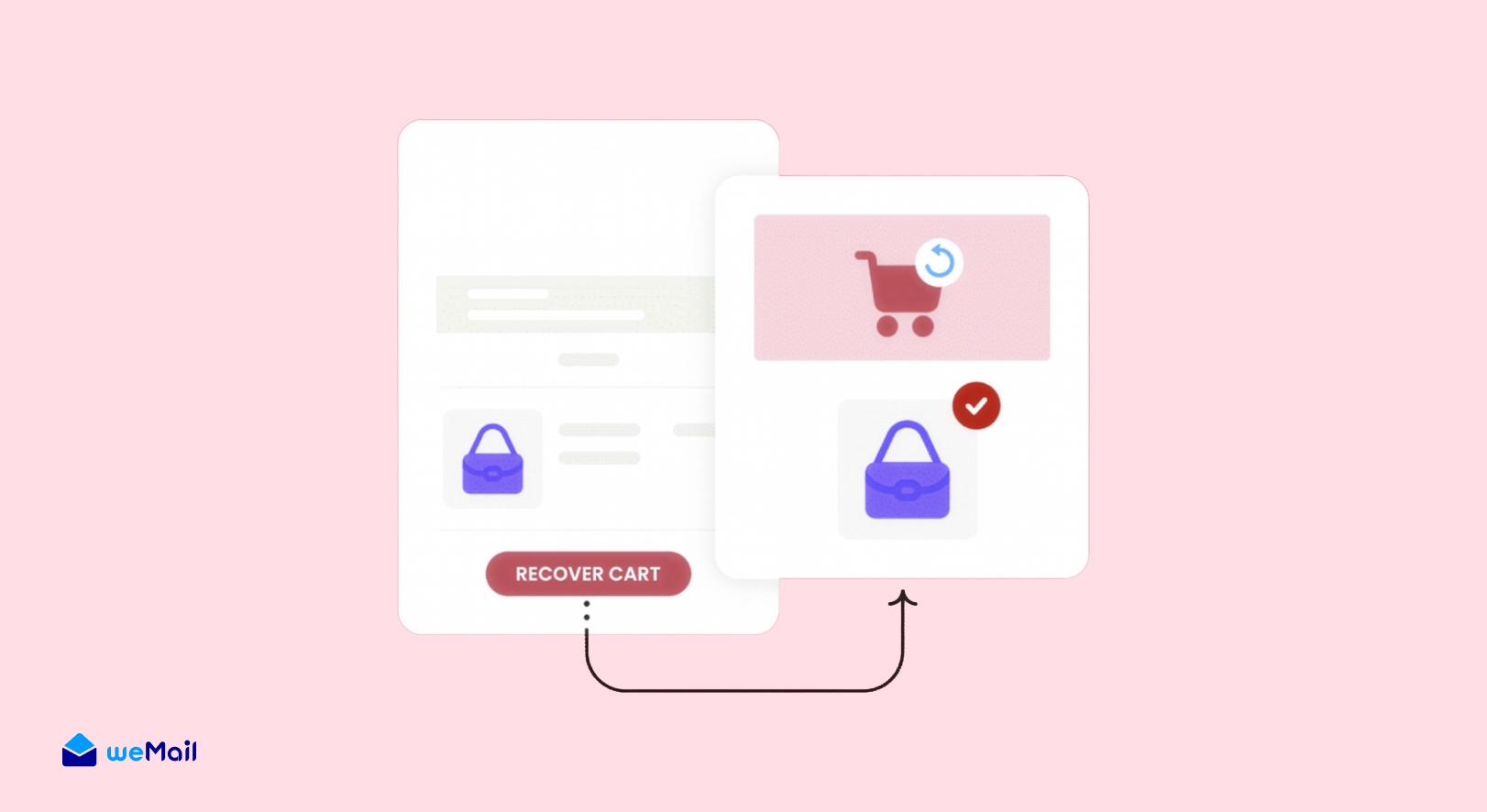
Setup Time: 8 minutes
If you’re running a WooCommerce store, you’re losing money right now. Not because your products are bad, but because roughly 70% of shoppers add items to their cart and then just… disappear.
Abandoned cart emails fix this.
They’re automated reminders that go out to people who got close to buying but didn’t complete the purchase. And here’s what’s wild. These emails can recover 10 to 15% of those lost sales without any extra effort from you.
Setting this up takes three key steps.
First, you’ll configure your email plugin to track when someone adds a product to their cart but doesn’t check out. Most WordPress email tools designed for WooCommerce (like weMail) have this trigger built right in.
Second, decide on your timing. Send the first reminder after one hour because sometimes people just got distracted. Follow up with a second email after 24 hours if they still haven’t completed the purchase.
What about the third email?
That’s your closer. Send it 48-72 hours after abandonment, and consider adding a small discount code to sweeten the deal. Not huge, maybe 10-15%, just enough to nudge them over the finish line.
Your email content should be simple and direct. Remind them what they left behind, maybe show product images, and make the checkout process as easy as possible with a direct link back to their cart.
Just set it once and let it recover sales while you sleep.
Campaign 3: Blog Post Notification Newsletter
Setup Time: 4-5 minutes
You’re already creating content for your blog. Why not turn each new post into an automated email campaign that brings readers back to your site?
This one’s almost too easy.
Blog post notification emails go out automatically whenever you hit publish on a new article. Your subscribers get notified, they click through to read, and you get more traffic without doing any extra work.
The setup is dead simple in WordPress. You’ll create an automation that triggers on “new post published” and sends an email to your subscriber list with the post title, excerpt, and a link to read more.
Here’s what makes this campaign so valuable.
Your blog posts are already written. You’re not creating new content just for email. You’re repurposing what you’ve already made. That’s maximum efficiency with minimal time investment.
Most WordPress email plugins let you customize how these notifications look. You can add your branding, choose which categories trigger emails, and even schedule the send time if you don’t want emails going out at 2am when you publish.
Want to make it even better?
Add a personal note at the top of each notification. Something like “Hey, just published this and thought you’d find it useful.” Takes 30 seconds but makes the email feel less automated and more personal.
The best part about newsletter WordPress plugin automation like this? You’ll never forget to promote your content again. Every post gets its moment in your subscribers’ inboxes automatically.
Set it up once, benefit forever.
Campaign 4: Product Launch Drip Campaign

Setup Time: 6-8 minutes
Launching something new? A drip campaign WordPress sequence builds anticipation and drives sales by warming up your audience before the big reveal.
This works for any launch.
New product, course, service, event. Doesn’t matter. The strategy stays the same: multiple touchpoints over several days that gradually increase excitement and urgency.
Here’s the typical structure you’ll want to follow.
Email one goes out five days before launch. Tease what’s coming without giving everything away. Create curiosity and let people know to watch their inbox.
Three days before launch, send email two. Now you can reveal more details. Share benefits, show sneak peeks, explain who this is perfect for. Build that desire.
Launch day arrives, and email three hits inboxes. This is your big announcement with full details and a clear call to action. Make buying easy with direct links and simple instructions.
Don’t stop there though.
The timing delays between these email sequences are what make drip campaigns so effective. You’re not bombarding people. You’re strategically spacing your messages to keep momentum building.

Setting this up in WordPress means using date-based triggers or manual campaign scheduling. Most email marketing automation WordPress tools let you queue the entire sequence in advance, then activate it when you’re ready to start the countdown.
Once you’ve built this template, you can reuse it for every future launch. Just swap out the content and you’re good to go.
Campaign 5: The “We Miss You” Email That Brings Ghosts Back to Life

Setup Time: 5-6 minutes
Your email list has ghosts.
People who subscribed six months ago, opened a few emails, then vanished into thin air. They’re still on your list, but they might as well be invisible. Here’s the uncomfortable truth: keeping dead subscribers around tanks your email deliverability and makes your stats look terrible.
So what do you do? Send a re-engagement campaign that either wakes them up or lets them go gracefully.
The anatomy of a great win-back email:
Start with a subject line that stops the scroll. Something like “Is this goodbye?” or “Breaking up is hard to do” works way better than “We miss you!” (because everyone uses that one).
Your first paragraph acknowledges the elephant in the room. You’ve noticed they’re not engaged. No beating around the bush, no fake enthusiasm. Just real talk.
Then give them a reason to stay. What’s changed? What have they missed? Maybe you’ve added new content, launched a product, or improved your offerings. Show them what they’re missing out on.
Here’s where it gets interesting.
Trigger: 60-90 days of no opens
Send: reminder → wait 1 week → final “last chance”
After: remove or move to “cold” list
The WordPress workflow makes identifying these inactive subscribers automatic. Your email marketing automation WordPress setup tracks opens and clicks, then segments people based on engagement levels without you doing any manual sorting.
Clean lists perform better. Period.
Making These Campaigns Even Better
Okay, so you’ve got five campaigns running. Most people would stop there and call it a win.
But here’s what separates decent results from killer results.
Test your subject lines. Seriously, this matters more than you think. The difference between “Welcome to our community” and “Here’s what happens next” can be a 15% swing in open rates. A/B test at least your welcome and abandoned cart emails since those are your money-makers.
Segmentation is your secret weapon. Don’t send the same re-engagement email to someone who bought from you last month versus someone who’s never purchased. They need different messages.
Timing isn’t one-size-fits-all either.
Maybe your audience checks email in the evening, not morning. Try sending campaigns at different times and watch what happens. Your WordPress email dashboard tracks this stuff, so use that data.
Personalization goes beyond just slapping someone’s first name in the subject line. Reference their actual behavior like what they clicked, what they bought, which posts they read. Modern email plugins pull this data automatically from your WordPress site.
One more thing that most people skip: clean up your automation triggers regularly. That product launch campaign from six months ago? Turn it off. Old automations running in the background can create weird customer experiences or duplicate sends.
Keep it lean, keep it relevant.
Why This Works Without Leaving WordPress
Let’s talk about what you’re actually avoiding here.
Most email marketing means juggling multiple browser tabs, remembering different passwords, and constantly switching between your website and some external platform. You write content in WordPress, manage customers in WooCommerce, then jump to Mailchimp or ConvertKit to actually send emails.
That context-switching kills productivity.
Every time you leave WordPress to manage email campaigns, you’re adding friction to your workflow. You have to remember how that other platform works, where things are located, and how their automation builder functions.
Here’s what changes when everything lives in WordPress.
Your subscriber data, customer purchases, blog posts, and email campaigns all exist in one place. When someone buys a product, your email system knows immediately. When you publish a post, notifications go out without you copying and pasting anything.
The speed advantage is real. Setting up an abandoned cart email in an external platform might take 20 minutes just to configure the WooCommerce integration. In WordPress with the right plugin, it’s already connected.
Plus, there’s the cost factor nobody talks about enough.
You’re looking at potentially hundreds of dollars saved monthly once your list grows past a few thousand subscribers. That’s not small change for most businesses.
The dashboard you already know becomes your complete marketing hub. No learning curve, no platform hopping, no integration headaches.
Just open WordPress and everything’s right there.
Frequently Asked Questions
Can I really build these campaigns in 30 minutes total?
Yes, if you’re using a WordPress email plugin that’s already integrated with your site. The time estimate assumes you have weMail or similar tool installed and your SMTP configured. Writing the actual email content takes the most time, but even that goes faster when you’re following these proven templates.
Do I need coding skills to set up email campaigns in WordPress?
Not at all. Modern WordPress email plugins use visual builders and simple dropdown menus. If you can create a blog post in WordPress, you can build these campaigns. The automation triggers work with point-and-click interfaces.
Which WordPress email plugin works best for these campaigns?
weMail handles all five campaign types natively and integrates directly with WooCommerce and other WordPress plugins. It’s built specifically for the WordPress environment, so there’s no learning curve if you’re already familiar with your dashboard.
How do I know if my emails are actually being delivered?
Use an SMTP service like Amazon SES, SendGrid, or Mailgun along with your WordPress email plugin. These services ensure your emails reach inboxes instead of spam folders. Most WordPress email plugins connect to these services with just an API key.
You’re Ready to Start
Building email campaigns WordPress users need doesn’t require expensive agencies or days of your time.
You’ve got five proven campaigns now. Welcome sequences that make great first impressions, abandoned cart emails that recover lost revenue, blog notifications that drive traffic automatically, product launch sequences that build anticipation, and re-engagement campaigns that clean your list.
Thirty minutes from now, you could have at least one of these running.
Pick the campaign that solves your biggest problem right now. New subscribers piling up with no welcome process? Start there. Cart abandonment killing your sales? That’s your priority.
Your subscribers are waiting. Your abandoned carts are sitting there. Your blog posts deserve more readers.
Everything you need is right there in your dashboard. Go build your first campaign.
Subscribe for email marketing
hacks, free ebooks, and
product updates