
Using the new weMail help menu you can get support & other assistance from our support team with ease.
So to get support from weMail, navigate to weMail>Help.
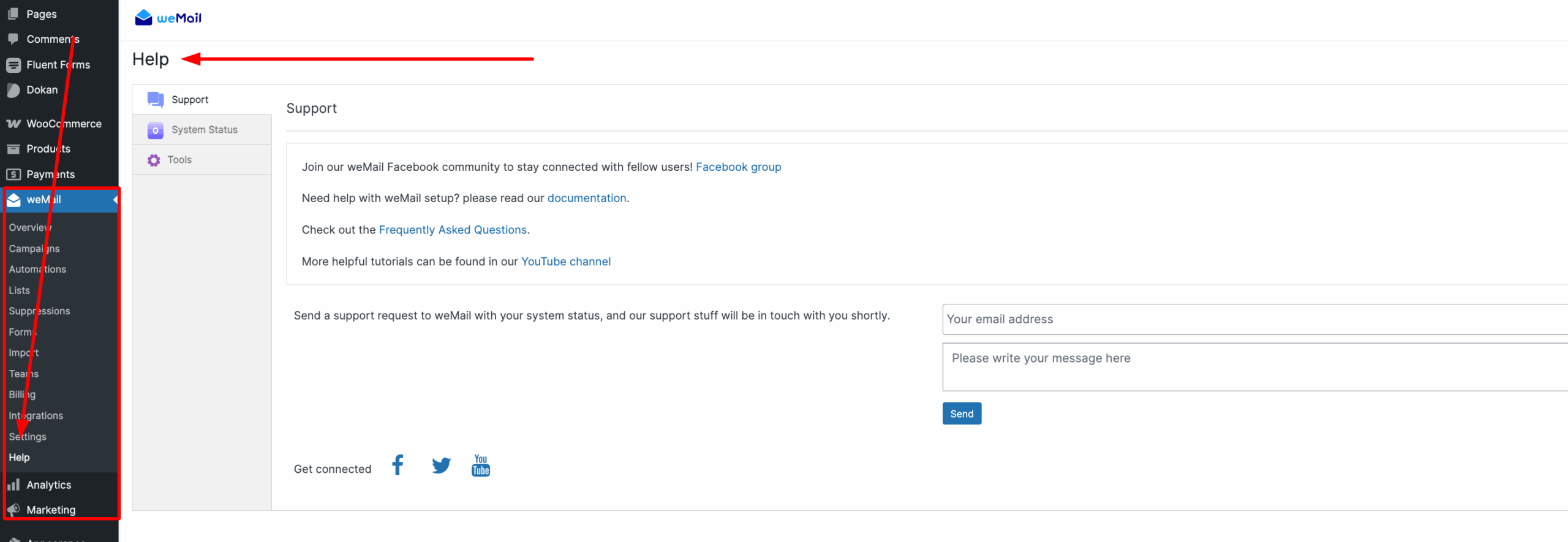
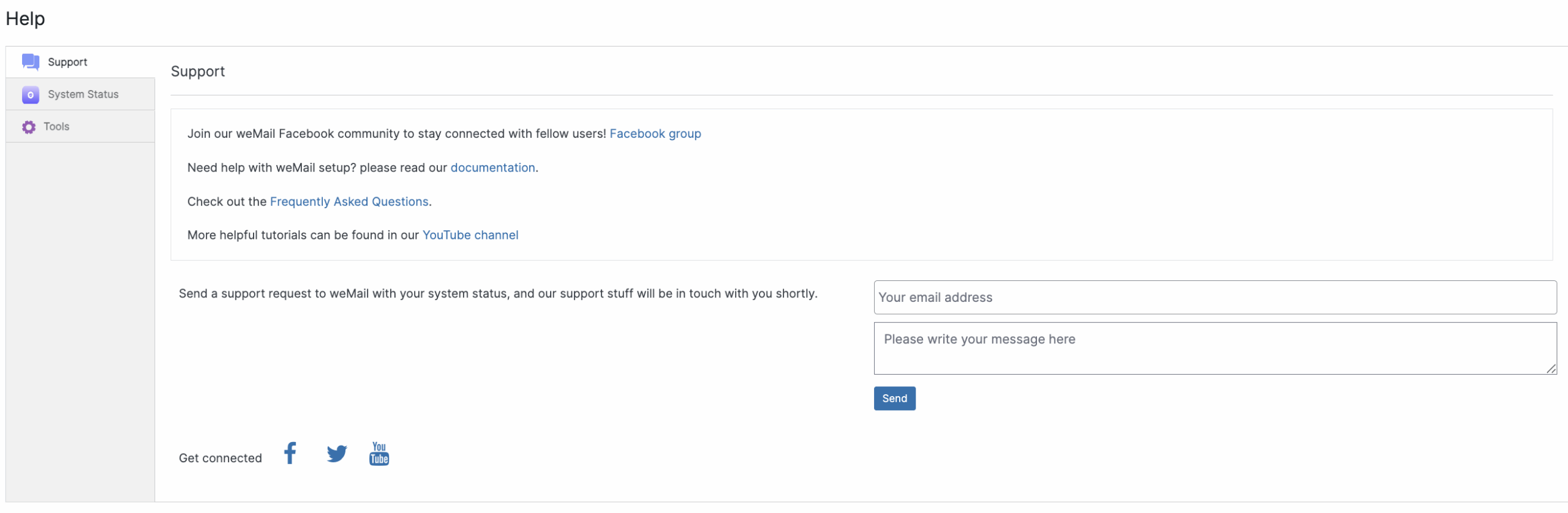
From here, you can join the Facebook Group, read the Documentation, check the FAQ, and watch tutorials on our YouTube Channel.
To contact support, enter your email address and message, then click Send.
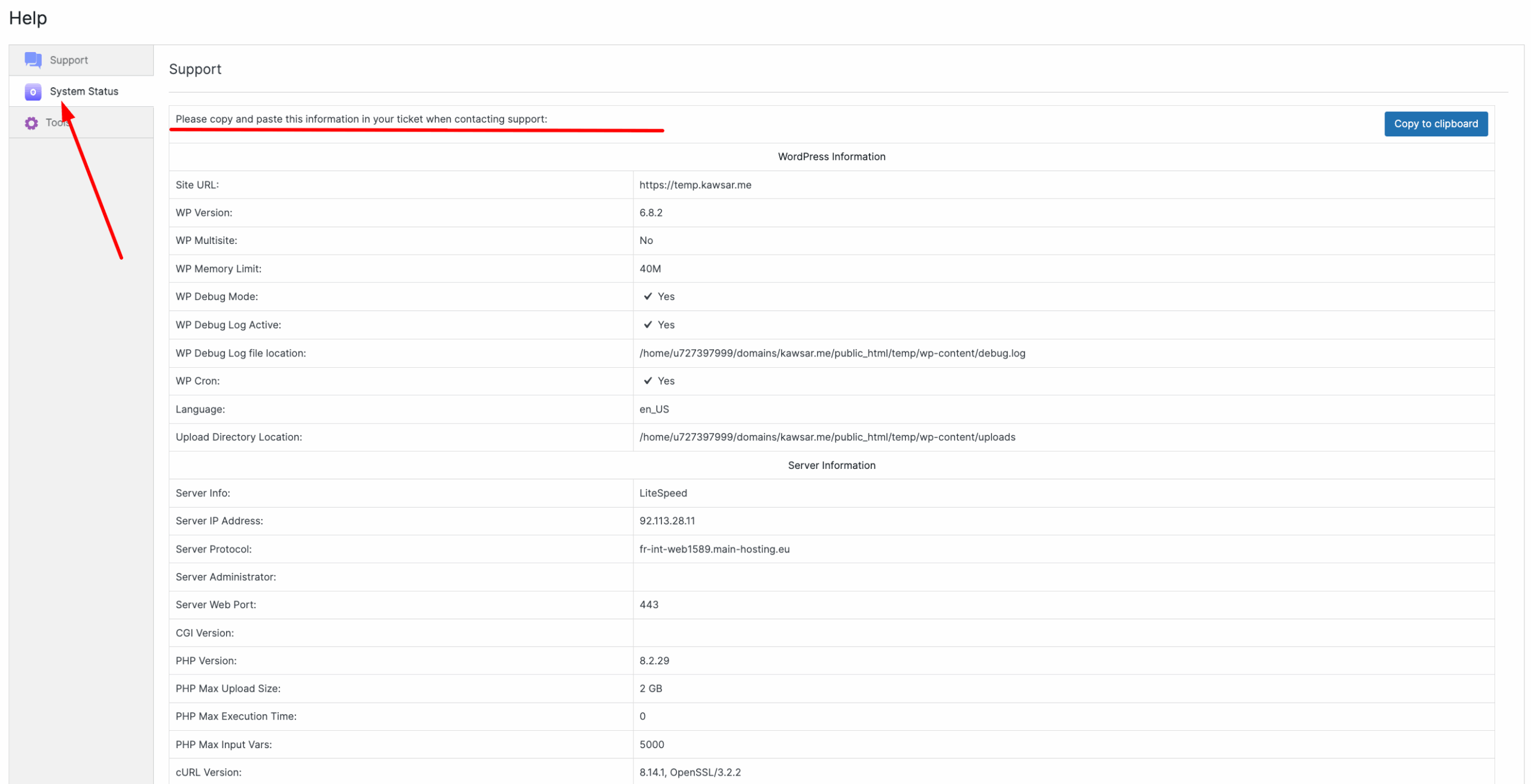
System Status
Before sending a support request, check the System Status to view your site’s information.
Connectivity Test
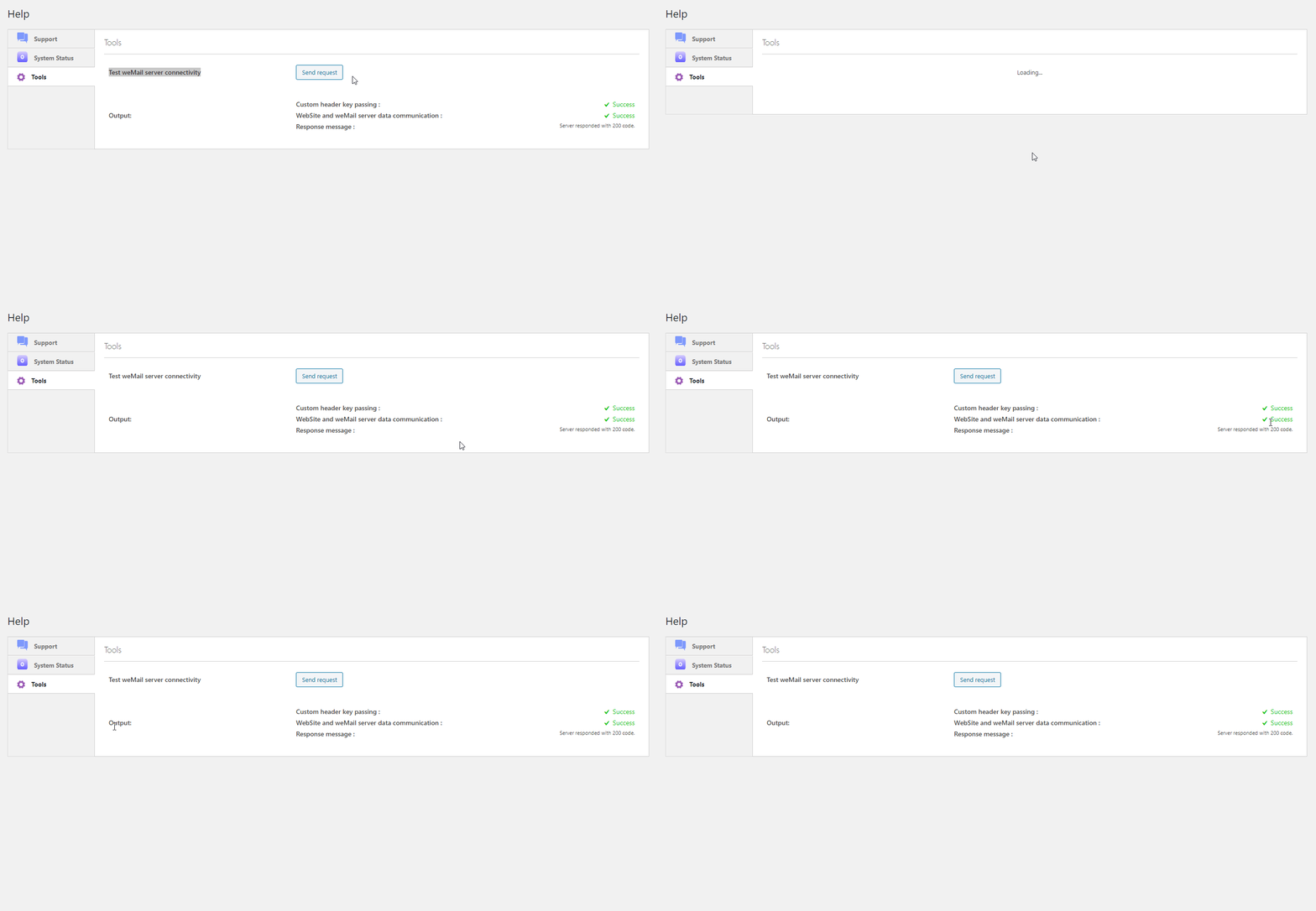
Well, while using weMail, you may face some connectivity issues. So to solve this issue, we have a server test option available for you. Simply click on the Tools option and then click ‘Send Request‘.
Actually what it does, it sends a ping request. So if the server is working fine, then it will immediately ping back to your request. And you’ll notice the progress through the Green Tick Mark.
So that’s it from the weMail help menu.


