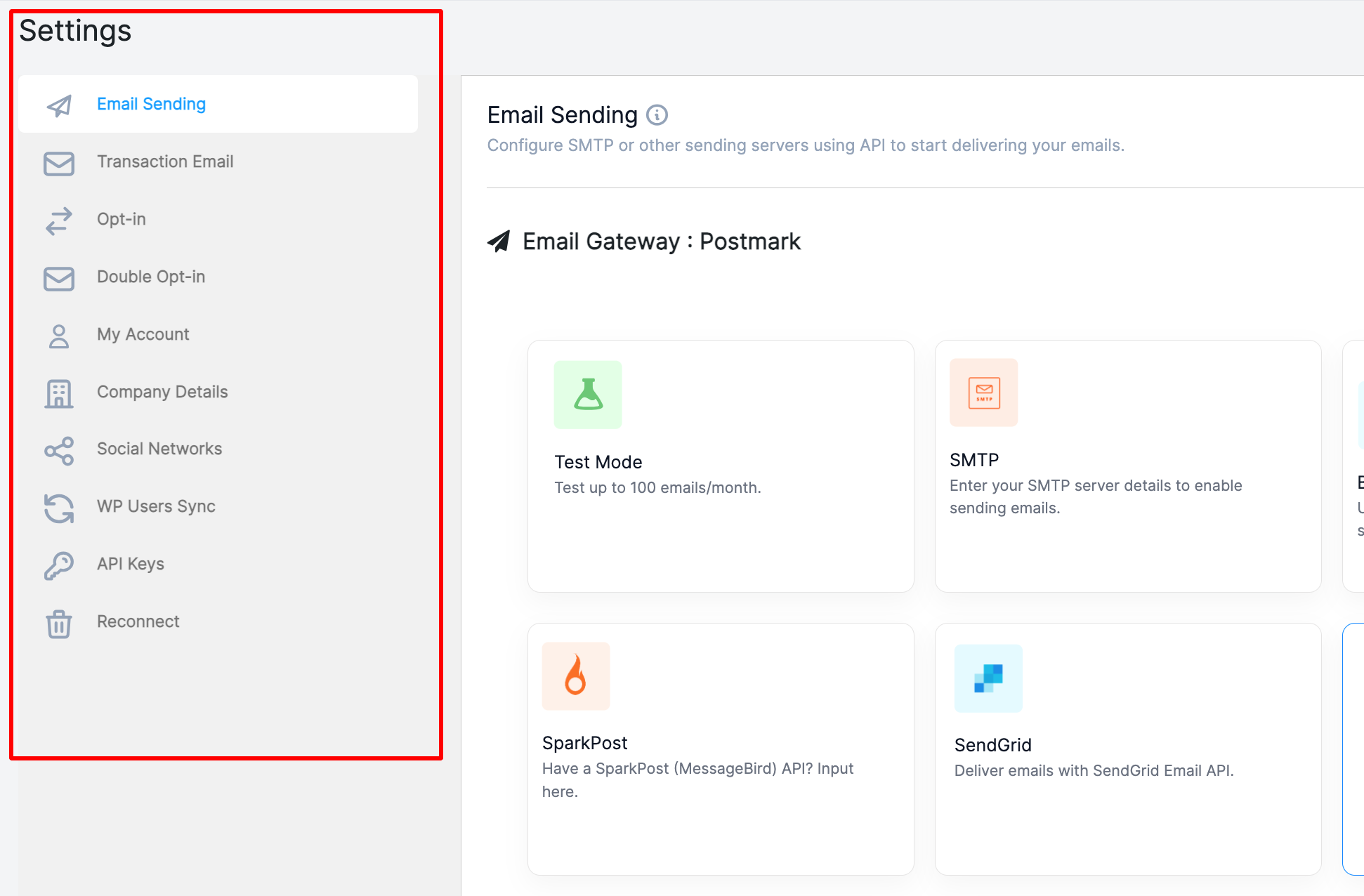





The weMail Settings section is where all your email configurations begin.
Before you can send campaigns or newsletters, you need to set up your preferred email service and adjust essential options.
Once configured, you can send unlimited newsletters and automated emails directly from WordPress – using your favorite gateways like Amazon SES, SMTP, SendGrid, SparkPost, Mailgun, Postmark, and many more.
Accessing Settings
To access your settings:
Go to WordPress Dashboard → weMail → Settings
Here you will find all the configuration options you need to get started.
The settings menu includes:
- Email (Gateways)
- Transactional Email
- Opt-in
- Double Opt-in
- My Account
- Company Details
- Social Networks
- API Keys
- Reconnect